
One Ten ProductionMain website ↗
NOHA VIDEO · CLIENT PRODUCTION GUIDE

Complete coverage.
Cinematic results.

A practical shoot plan for indoor, outdoor and Imambargah productions—designed for clean lip-sync and professional editing.

VIDEO
02
QUICK PRODUCTION REFERENCE

Indoor distance6 ft minimum

Outdoor distance8–15 ft

Main recording4K · 25/30fps

File deliveryOriginals only

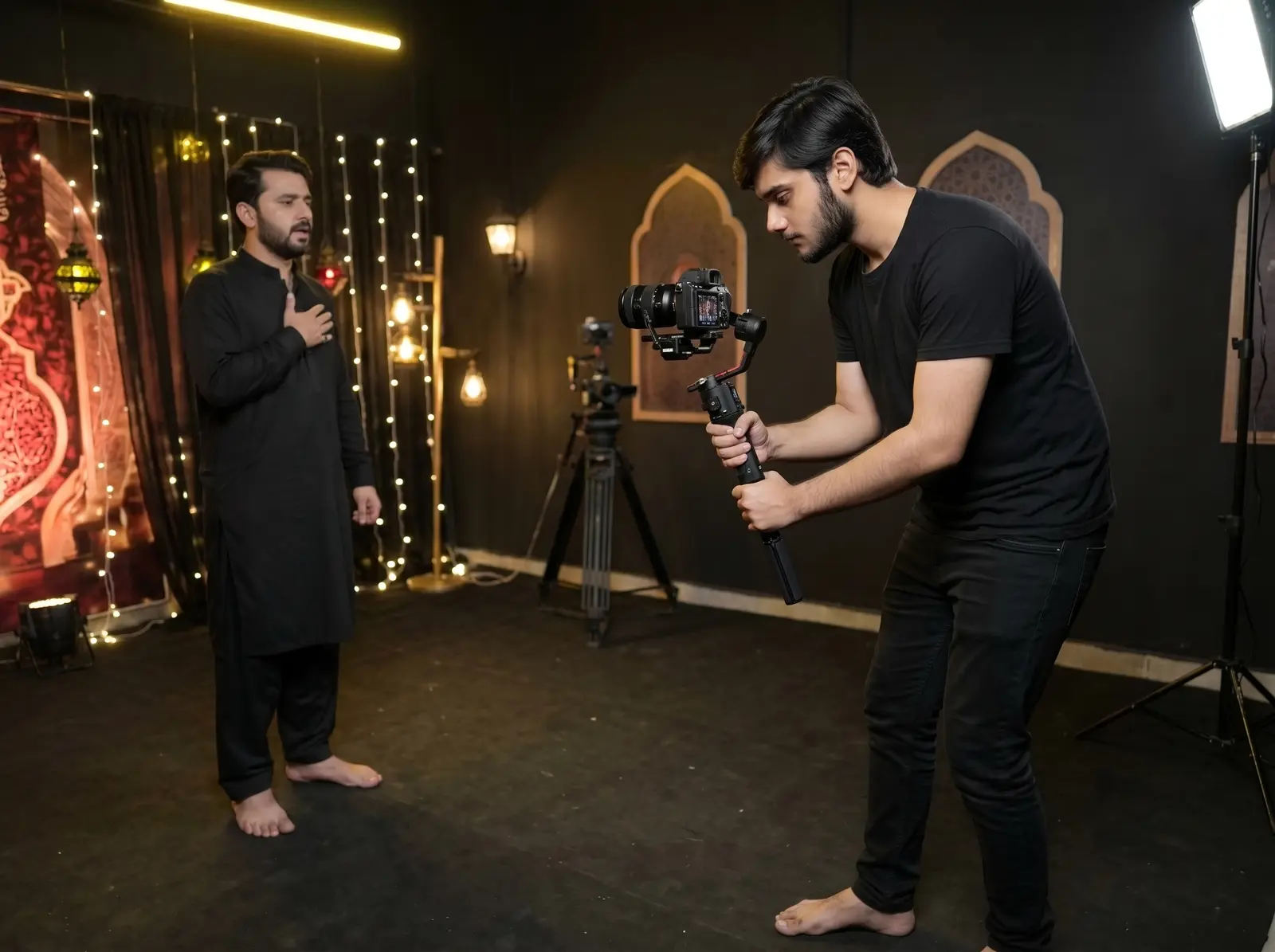
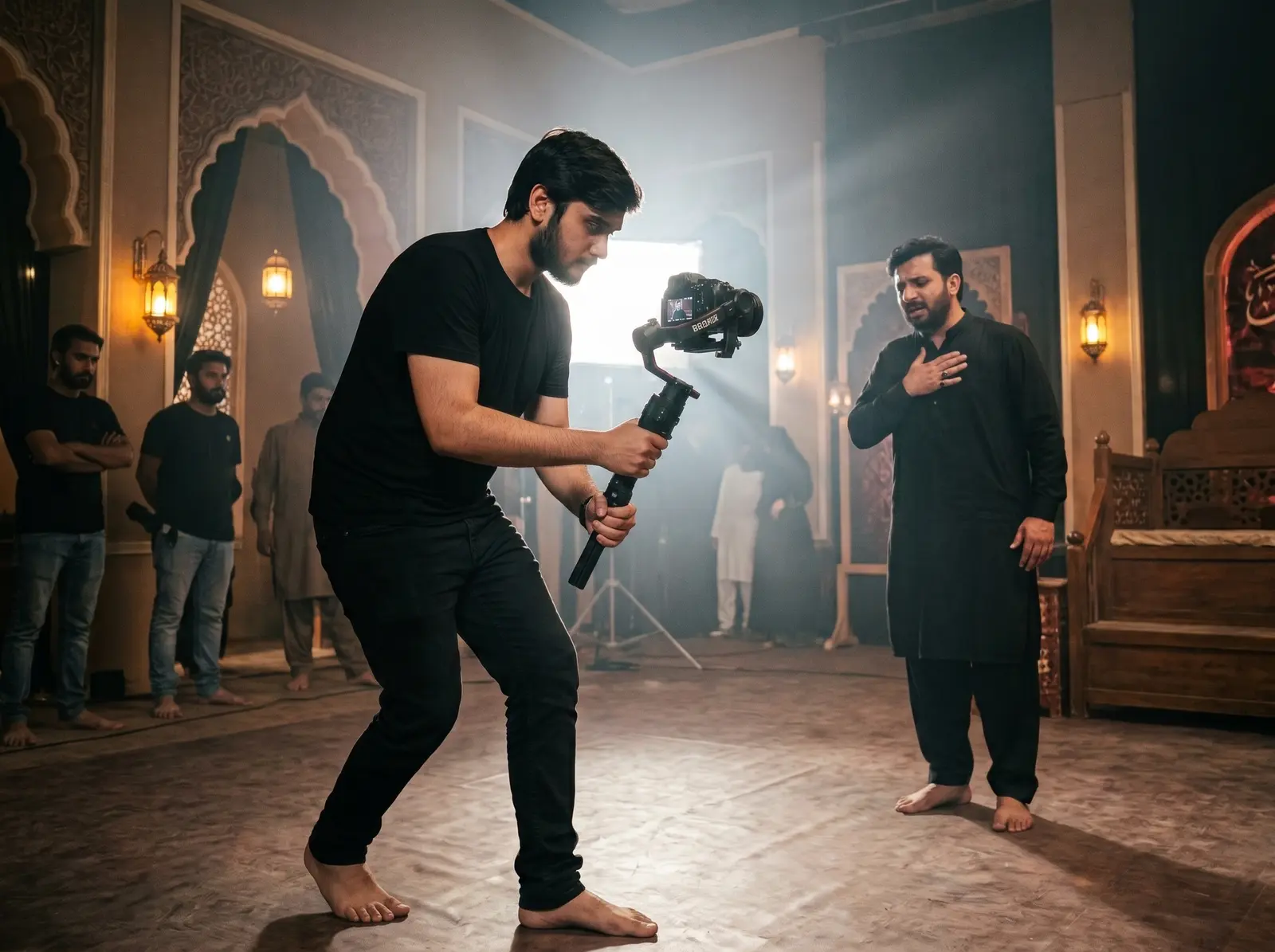
Camera operator filming a reciter on an indoor video set
DIRECTED PERFORMANCE

Coverage starts with human connection.

Clear direction, a comfortable environment and complete takes give the edit emotion as well as technical consistency.

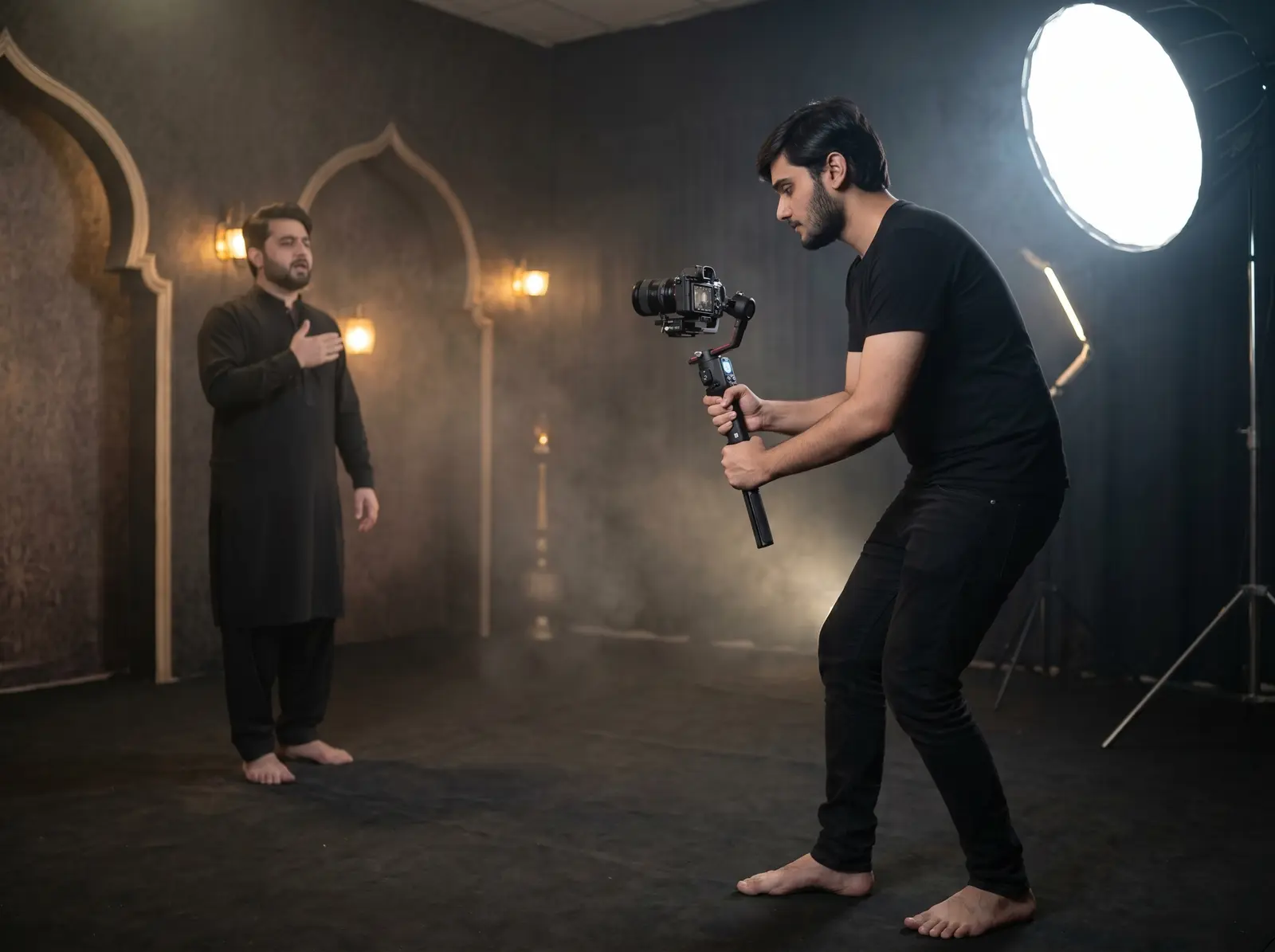
Gimbal camera filming a reciter under studio lighting
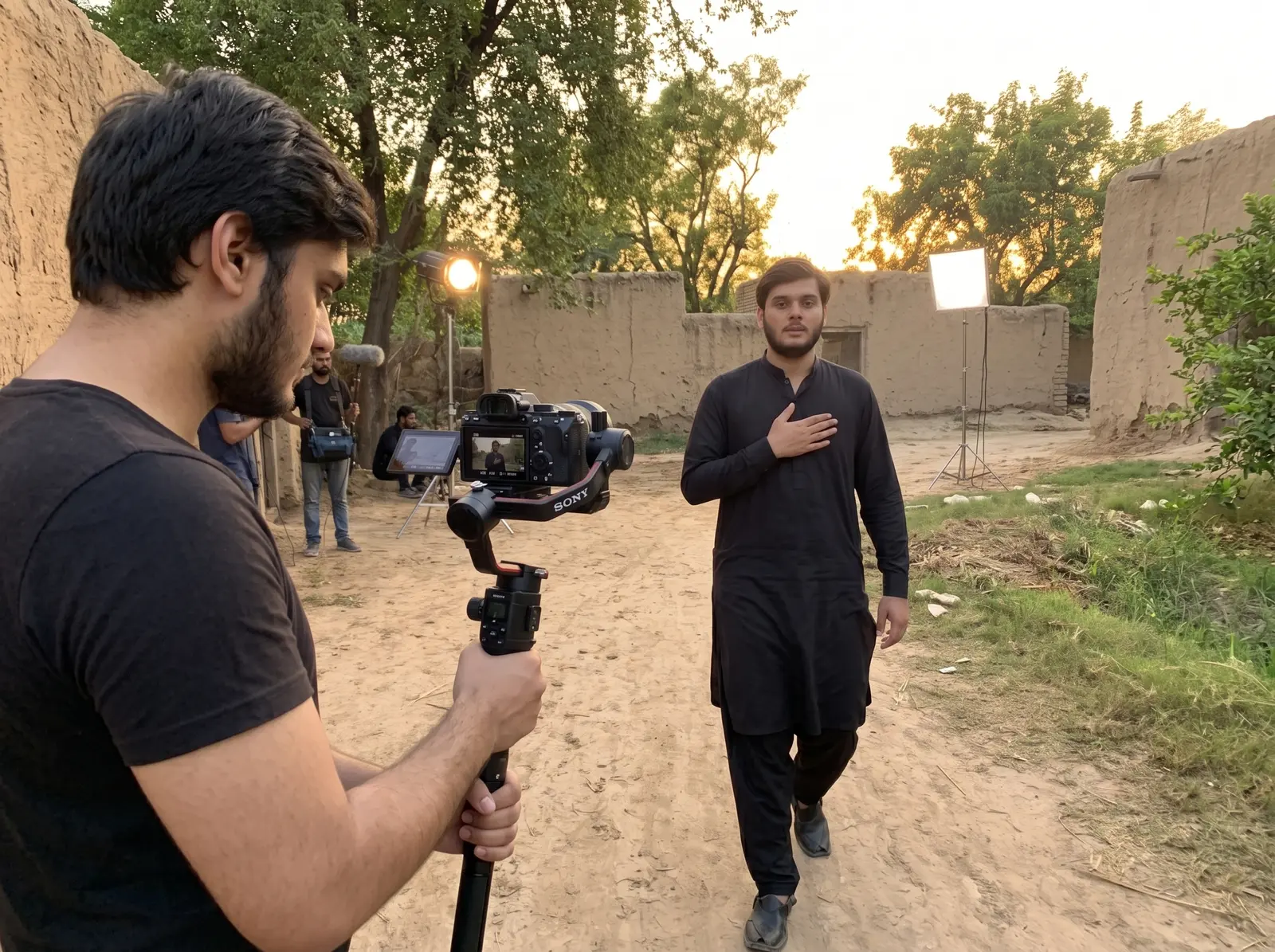
Outdoor video shoot with a gimbal camera and lighting
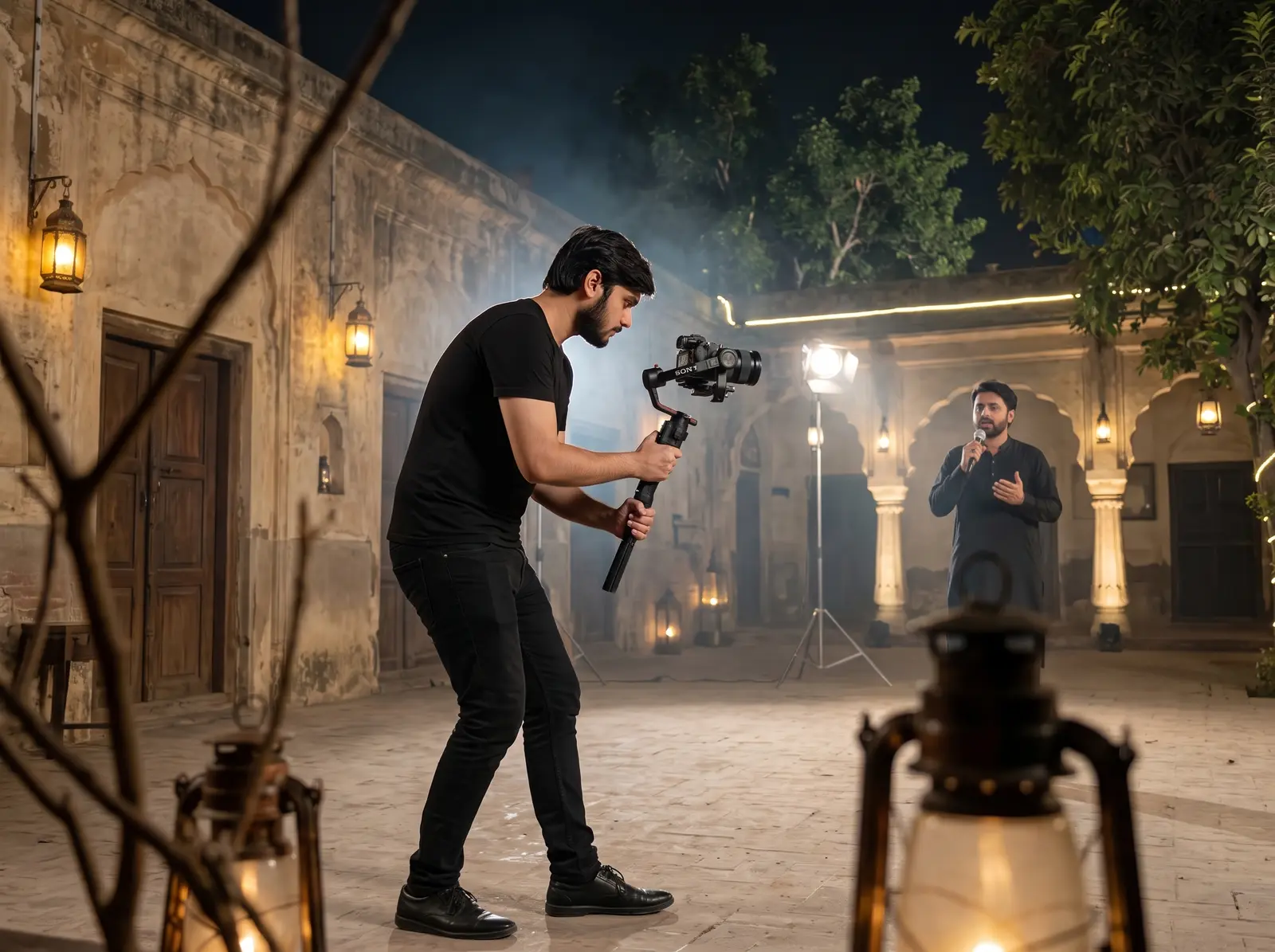
Cinematic nighttime video shoot with camera operator and reciter
Indoor Noha video production with camera operator and crew
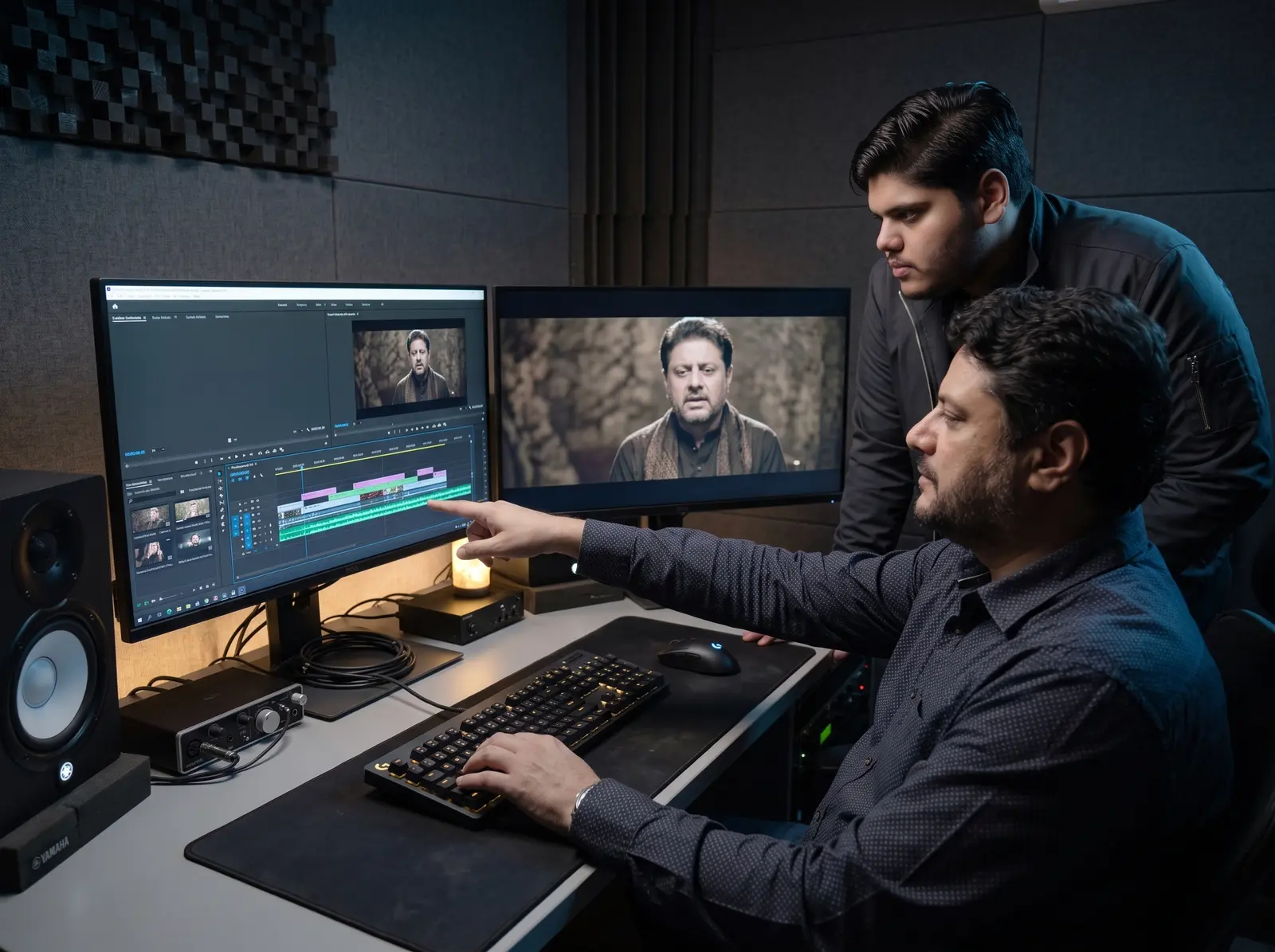
One Ten Production team editing a reciter video on dual monitors
01

The golden rule

Record the complete Noha from start to finish for every main angle or location.

  • Do not record only short random parts
  • Capture front wide, front medium and close-up as complete takes
  • Capture left and right 45° angles as complete takes
  • Record 5 seconds before and after every take
  • Use the same final audio playback for reliable lip-sync
02

Indoor background

Create depth between the reciter and the background.

  • Keep the reciter at least 6 feet from a black curtain or banner
  • Use a clean, respectful, high-quality theme banner when suitable
  • Avoid misspellings, excessive text, bright distractions and unrelated images
  • DSLR distance: wide 10–14 ft, medium 6–9 ft, close 4–6 ft
  • iPhone distance: wide 8–12 ft, medium 5–8 ft, close 3–5 ft
03

Lighting

Use at least two lights; a three-light setup is preferred.

  • Place the key light 45° from the reciter and slightly above face level
  • Use a softer fill light on the opposite side
  • Add a back or hair light to separate the reciter from the background
  • Use matching colour temperatures—generally 5000K to 5600K indoors
  • Do not mix yellow bulbs, white LEDs and tube lights
04

Outdoor & Imambargah

Choose a clean, respectful location with visible depth.

  • Keep the reciter 8–15 feet from the background
  • Prefer early morning or golden hour before sunset
  • Keep harsh sunlight behind or to the side of the reciter
  • Avoid crowds, vehicles, wires, shops, garbage and unrelated banners
  • For night shoots, use a main light plus a back or side light
05

Camera settings

Keep the technical settings consistent across all performance takes.

  • Record in 4K at 25fps or 30fps; use one frame rate throughout
  • Shutter: 1/50 at 25fps, 1/60 at 30fps, 1/120 at 60fps
  • Keep ISO as low as possible—ideally 100–800
  • Use manual white balance and keep it unchanged
  • Focus on the eyes; check sharpness before every take
06

iPhone settings

The main 1× lens on a tripod is the safest choice.

  • Use 4K 30fps for main performance and 4K 60fps only for B-roll
  • Turn off HDR Video / Dolby Vision
  • Use Most Compatible format when possible
  • Tap and hold the face for AE/AF Lock
  • Avoid digital zoom, beauty filters, excessive Cinematic blur and shaky handheld footage
07

Coverage & B-roll

Complete performance takes come first; cinematic inserts come afterwards.

  • For groups: capture wide group, lead medium, lead close-up and both chorus sides
  • Capture matam, hands, eyes, microphone, Alam, flags and location details
  • Keep each B-roll shot steady for 5–10 seconds
  • Use a gimbal only for controlled slow movement
  • Review framing, focus and playback before leaving the location
08

Original file delivery

Send camera originals so the footage remains edit-friendly.

  • Never send compressed video through WhatsApp
  • Deliver through Google Drive, SSD or USB
  • Keep every angle in a separate original file
  • Do not rename files randomly or apply filters before delivery
  • Include the exact final audio file used during the shoot

Need help before you begin?

Let our team review your video setup.

Contact on WhatsApp ↗